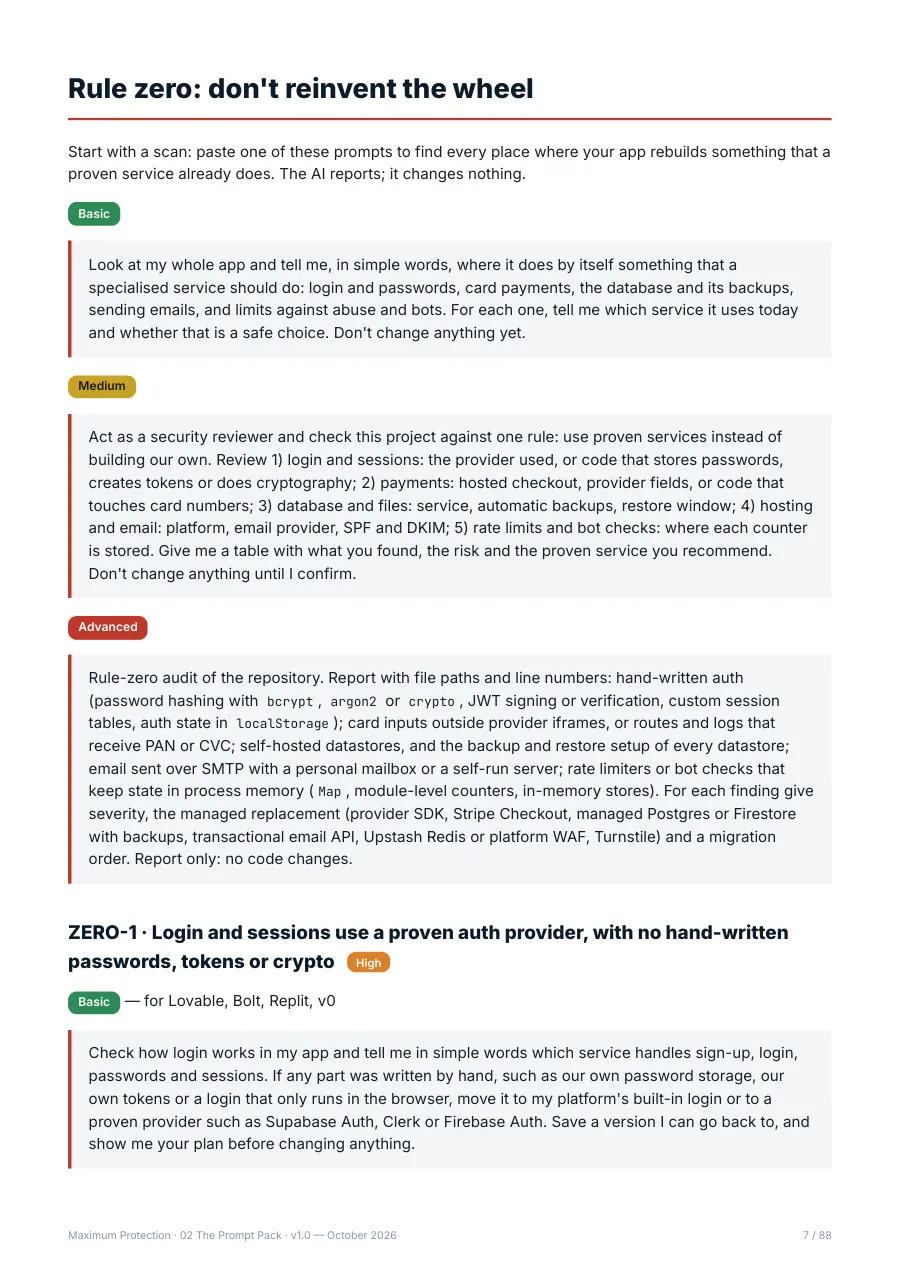
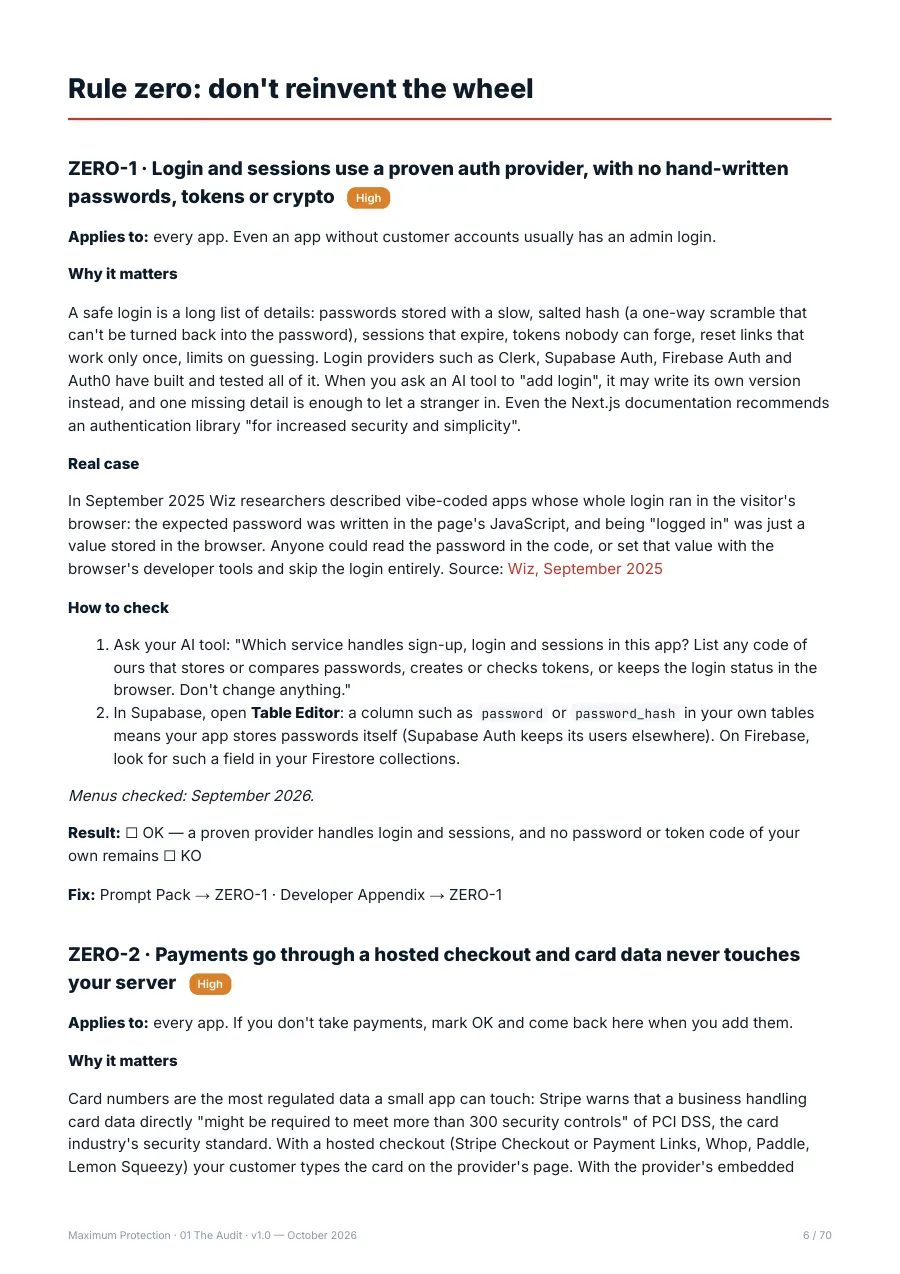
Every check in the kit follows the same structure, so you always know what to do next.
- What to check
- One line that says what should be true in your app, its severity (Critical, High or Medium) and the kind of app it applies to.
- Why it matters
- The risk in plain words. When there is a documented real case, it's summarised with a link to its source.
- How to check
- Numbered steps in your browser or your dashboards, with no code to write. Every menu path shows the month we checked it.
- Result
- OK, KO or N/A (not applicable). Your results produce a score and a traffic-light verdict.
- The fix: three ready prompts
- Every KO points to its prompts in The Prompt Pack. Basic, for chat builders such as Lovable, Bolt, Replit and v0. Medium, where the AI shows you a plan and waits for your go-ahead. Advanced, for Cursor or Claude Code, with acceptance criteria and a test.
- Verify
- A short test to confirm the fix worked, without reading code.
- Developer detail
- How the problem works under the hood, example code or configuration, an automated test and links to the official documentation.